
Home - Blogs
Updated on
1st January 1970
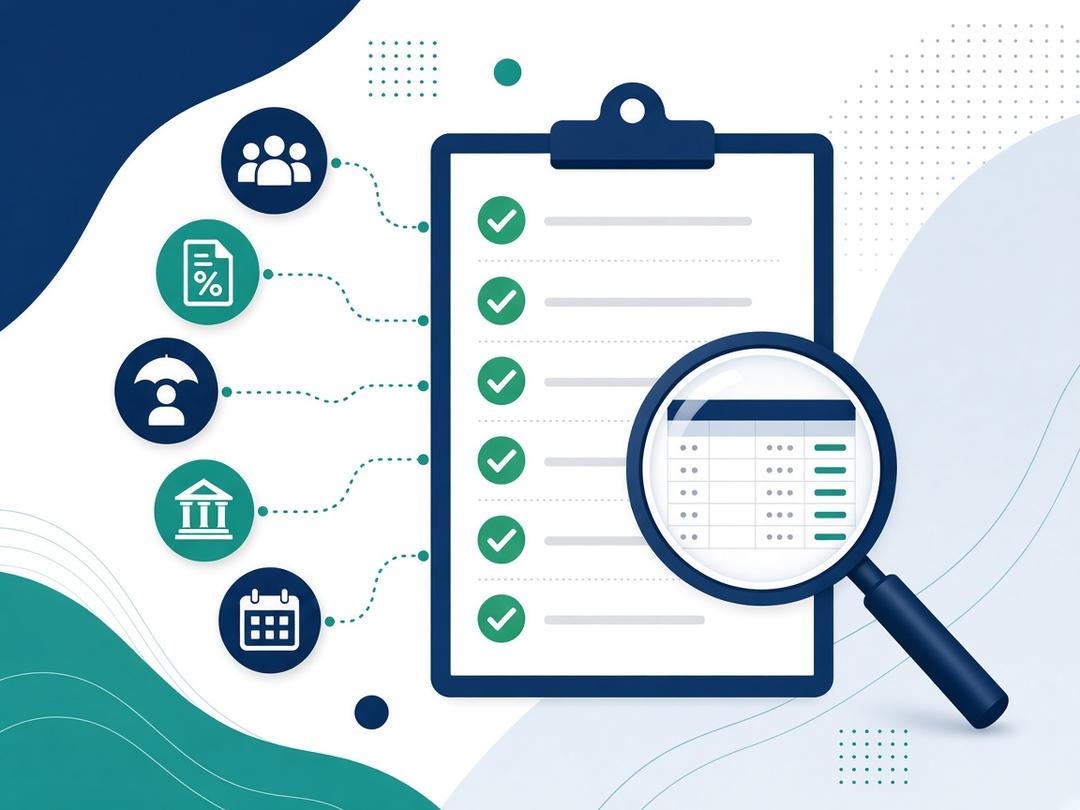
Before every payroll run, check that:
- starters, leavers and pay changes are complete
- tax codes and HMRC notices have been applied
- statutory pay, deductions and pension status are right
- bank details are correct
Then compare the run with the last one, get sign-off before processing, and send your Full Payment Submission to HMRC on or before payday.
What should you check before every payroll run?
Check the inputs, the deductions, the results and the approval. Most payroll errors start with information that is missing, late or out of date, so the checks below follow the order the information arrives in. Treat them as a starting point and adapt them to your own policies and payroll timetable.
1. Starters and leavers
Make sure every starter and leaver in the period is on the payroll with complete details.
Starters:
- Tell HMRC about a starter on or before their first payday.
- To work out their tax code, you normally use their P45. If they don't have one, use HMRC's starter checklist.
Leavers:
- Put their leaving date on their payroll record when you last pay them, and give them a P45.
- Special rules apply in three cases: their final pay falls in the next tax year, you'll be paying them a pension, or statutory maternity, paternity or adoption pay continues after they leave. Check these cases against GOV.UK's guidance on what to do when an employee leaves.
2. Tax codes and HMRC notices
Apply any tax code changes before you process. If an employee's tax code changes during the year, HMRC will email you, and you should update your payroll records as soon as possible. Tax codes usually also need updating at the start of each tax year on 6 April. Check for student loan and other notices at the same time.
3. Pay changes, hours and minimum wage
Confirm that every pay rise, change of hours, overtime claim, bonus and one-off payment has been approved and entered. For hourly and lower-paid staff, check that pay still meets the National Minimum Wage or National Living Wage for the worker's age. The rates change on 1 April every year and last changed on 1 April 2026, so check the current rates on GOV.UK rather than relying on last year's figures.
4. Absences and statutory pay
Make sure sickness, parental leave and other absences are recorded before you process. Some absences mean statutory payments through payroll, such as Statutory Sick Pay or Statutory Maternity Pay. Each has its own eligibility rules, and these do change, so check them against GOV.UK's current guidance and the evidence your policies require.
5. Deductions
Check that every deduction is present and correct:
- Income Tax
- National Insurance
- student loan repayments
- pension contributions
- any other deductions, such as salary sacrifice or court orders
6. Auto-enrolment status
Check whether anyone now needs to be put into a workplace pension. The Pensions Regulator says employers must monitor the ages and earnings of their staff every time they pay them, and keep paying the contributions due every time they run payroll. A pay rise, a bonus or a birthday can change someone's status. The Pensions Regulator's website gives the current age and earnings criteria.
7. Bank details and the payment file
Confirm that any change to an employee's bank details is genuine and authorised before you pay, ideally by checking with the employee through a known contact route. After processing, check that the payment file matches the approved net pay before it goes to the bank.
8. Exceptions and comparison with the last run
Compare this run with the last one and explain the differences. Look for:
- unusual changes in gross or net pay
- missing tax codes
- negative pay
- duplicate employees
- headcount changes that don't match your starters and leavers
9. Sign-off
Get sign-off from someone authorised before you process. Where you can, have someone other than the person who prepared the payroll approve it, using a clear sign-off report. Keep a record of who approved which version.
10. Report to HMRC on time
Send your Full Payment Submission on or before your employees' payday, even if you pay HMRC quarterly. Don't report too early, though: if information changes after you've sent the FPS, for example an employee leaves or changes tax code, you'll need to send a corrected one. If you haven't paid any employees in a tax month, send an Employer Payment Summary (EPS) instead. For the payment deadlines that follow, see GOV.UK's Running payroll guide.
Quick checklist
- Starters set up, and HMRC told on or before their first payday
- Leavers given a leaving date and a P45
- Tax code changes and HMRC notices applied
- Pay changes, hours, overtime and bonuses approved and entered
- Minimum wage checked against the current GOV.UK rates
- Absences and statutory payments recorded
- Deductions present and correct
- Auto-enrolment status checked for everyone paid
- Bank detail changes verified, and the payment file matched to net pay
- Exceptions compared with the last run and explained
- Sign-off recorded before processing
- FPS sent on or before payday
Don't forget year-end
The tax year ends on 5 April. Send your final payroll report of the year on or before your employees' last payday. Then:
- update payroll records from 6 April
- give employees a P60 by 31 May
- report expenses and benefits (P11D) by 6 July
Build these dates into your payroll timetable so year-end doesn't compete with a normal pay run.
What if you find a mistake after payday?
Correct it as soon as you can. If you find errors in your FPS, send a corrected FPS as soon as possible. If an employee was underpaid, you may need a supplementary payment and an additional FPS. GOV.UK also notes that late, missing or incorrect payroll reports can affect employees' income-related benefits, such as Universal Credit, which is one more reason to check before payday rather than after.
Using a payroll bureau? Who does what
If a bureau runs your payroll, these checks still need to happen. They're just shared.
- Your side: you supply accurate starter, leaver, pay and absence information by the agreed deadline, and you approve the payroll.
- The bureau's side: it validates that information, runs the checks, and gives you something clear to approve before processing.
- Responsibility: GOV.UK is clear that the employer remains legally responsible for PAYE either way. See what a payroll bureau does for more, and how to choose a payroll bureau for the questions to ask about a provider's checks.
How VIPs checks each payroll
VIPs (Vision Integrated Payroll Service) is Vision ERP's managed payroll bureau service. Every payroll follows the same structured steps:
- Your timetable: we work to your payroll timetable, for any pay cycle (mainly monthly), so there is time for checks before processing.
- Validate and interrogate: our CIPP-experienced staff validate and interrogate each payroll.
- Check: each payroll is checked against your organisation's own policies and UK legislation.
- Sign-off: you receive a sign-off report before your payroll is processed.
- Process, pay and file: we process the payroll, make sure payments are accurate, and file returns with HMRC and pension providers.
- Payday support: on payday we take your phone calls, and queries are logged and tracked.
- Corrections and payments: we handle corrections and supplementary runs, Faster Payments and reconciliations, with printed payslips if needed.
Queries go through our service management portal, which supports monthly SLA reporting. Additional services include P11Ds, year-end and auto-enrolment. Payroll runs on Unit4 HR & Payroll, or on our own systems if your organisation doesn't use Unit4 Payroll.
Frequently asked questions
When must the Full Payment Submission be sent to HMRC?
On or before your employees' payday, even if you pay HMRC quarterly.
How often should we check whether staff need to be auto-enrolled?
Every time you pay them. The Pensions Regulator says employers must monitor staff ages and earnings each time they run payroll.
What should we do when HMRC changes a tax code during the year?
HMRC will email you. Update your payroll records as soon as possible.
What do we need to set up a starter on payroll?
Their personal details and their P45 to work out their tax code, or HMRC's starter checklist if they don't have a P45. Tell HMRC on or before their first payday.
What if our FPS was wrong?
Send a corrected FPS as soon as possible.
Who should sign off the payroll?
An authorised person, ideally not the person who prepared it, with a record kept of what was approved.
Talk to us
Want every payroll checked, with a sign-off report before anything is processed? See how VIPs works, or contact Vision ERP.
About Me
Related Blog News
Speak With an Expert
Drop us a message with any questions you may have and we'll get back to you shortly
Contact us


Quick Links
Get In Touch
Deansgate 62-70
Tettenhall Road
Wolverhampton
West Midlands
WV1 4TH
Tettenhall Road
Wolverhampton
West Midlands
WV1 4TH
+44 1902 947902
enquiries@visionerp.co.uk

Copyright 2025 © - VISION ERP (Company number: 10125572) - All rights reserved | Privacy Policy